Office networks tend to grow one device at a time. A switch is added here, an extra access point there, and after a few years nobody is sure how it all fits together. These are the symptoms we see most often.
1. The internet is fast at night and slow during the day
If a speed test looks fine after hours but staff complain at 10 a.m., the problem is usually inside the office: too many devices on one access point, a single cheap switch, or one machine using all the bandwidth for backups or updates.
2. Wi-Fi drops in certain rooms
Thick walls and metal shelving block signal. Adding repeaters often makes things worse. Properly placed access points connected by cable give much more reliable coverage.
3. Everyone uses the same Wi-Fi password
If visitors, staff and the office printer all share one network and one password that has never changed, anyone who has visited can reach your shared files. A separate guest network is a simple fix.
4. Nobody knows what is plugged into what
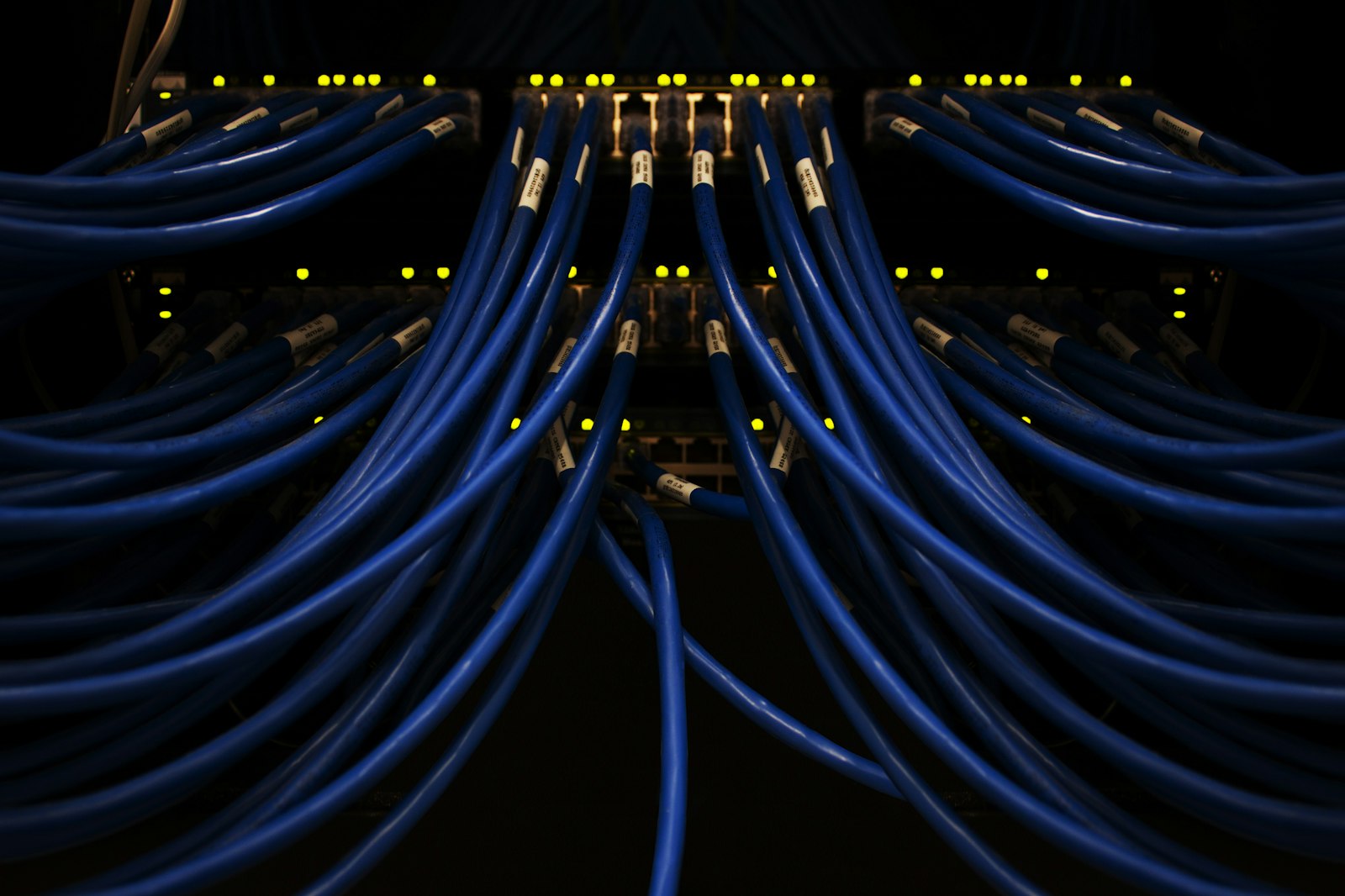
Unlabelled cables and no network diagram mean every fault takes longer to fix. Half a day spent documenting the network saves many hours later.
5. Equipment is older than five years
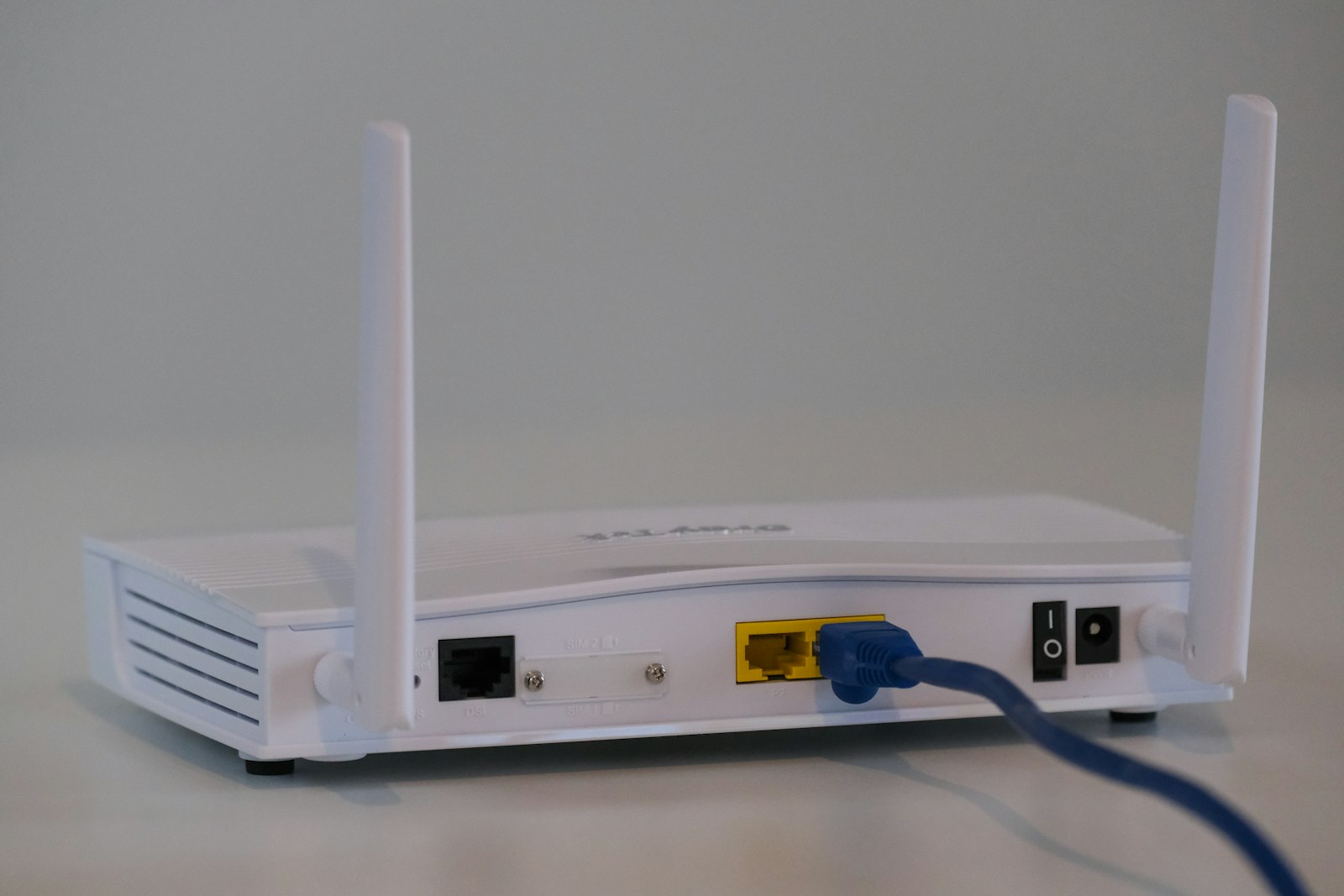
Older routers and switches often stop receiving security updates and cannot handle modern speeds. Replacing a few key devices can make an older network feel new.
If two or more of these sound familiar, a short network review will usually show where the bottleneck is and what is worth fixing first.